Our mission
Every narrative is great.
We remember in stories.
Great narratives aren't only the famous ones. A single talk, an hour of class, one page of a portfolio — if there's something you want to say, it's a narrative. We build the place where those stories live.
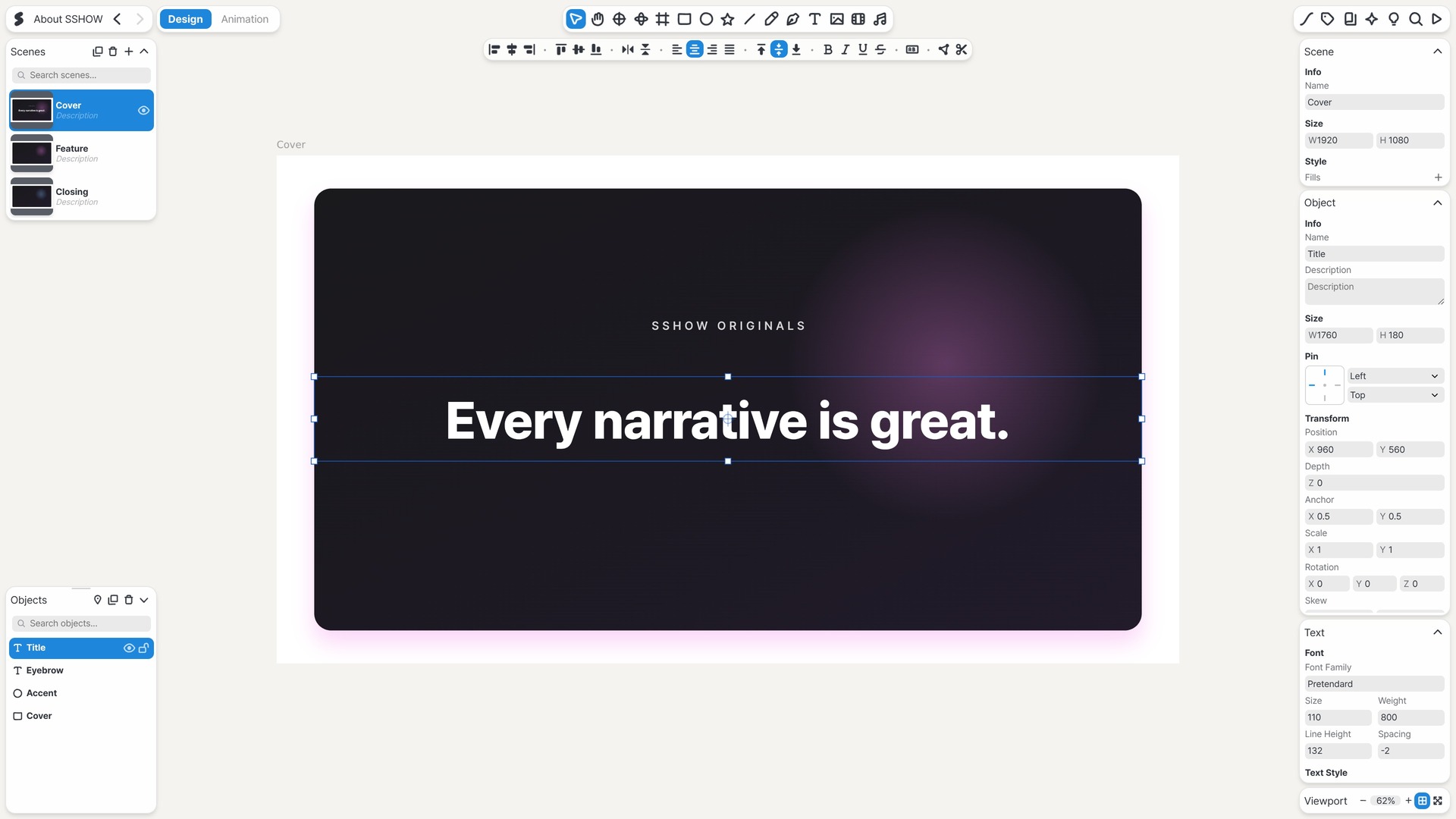
Design, motion and presentation, all on one canvas.
What you draw is what moves, and what moves is what you present. Nothing blurs along the way — the scene you first imagined is the one that reaches the room.
Keep scrolling — you're playing the timeline.
A timeline runs through the SSHOW canvas. Scroll, and it plays.
What you make is the presentation.
Present from the presenter view, notes and next scene at hand. Share the finished piece with a link that plays the same everywhere.
A presentation the audience answers from their phones.
Put up a question, and the screen moves as answers land — the moment a presentation becomes a conversation. We are building it now.
One anchor point, one pixel at a time.
Shape bézier paths point by point with the pen, grade images down to exposure and tone curves, and tilt a whole layer into space when flat isn't enough. The finishing pass happens on the same canvas.
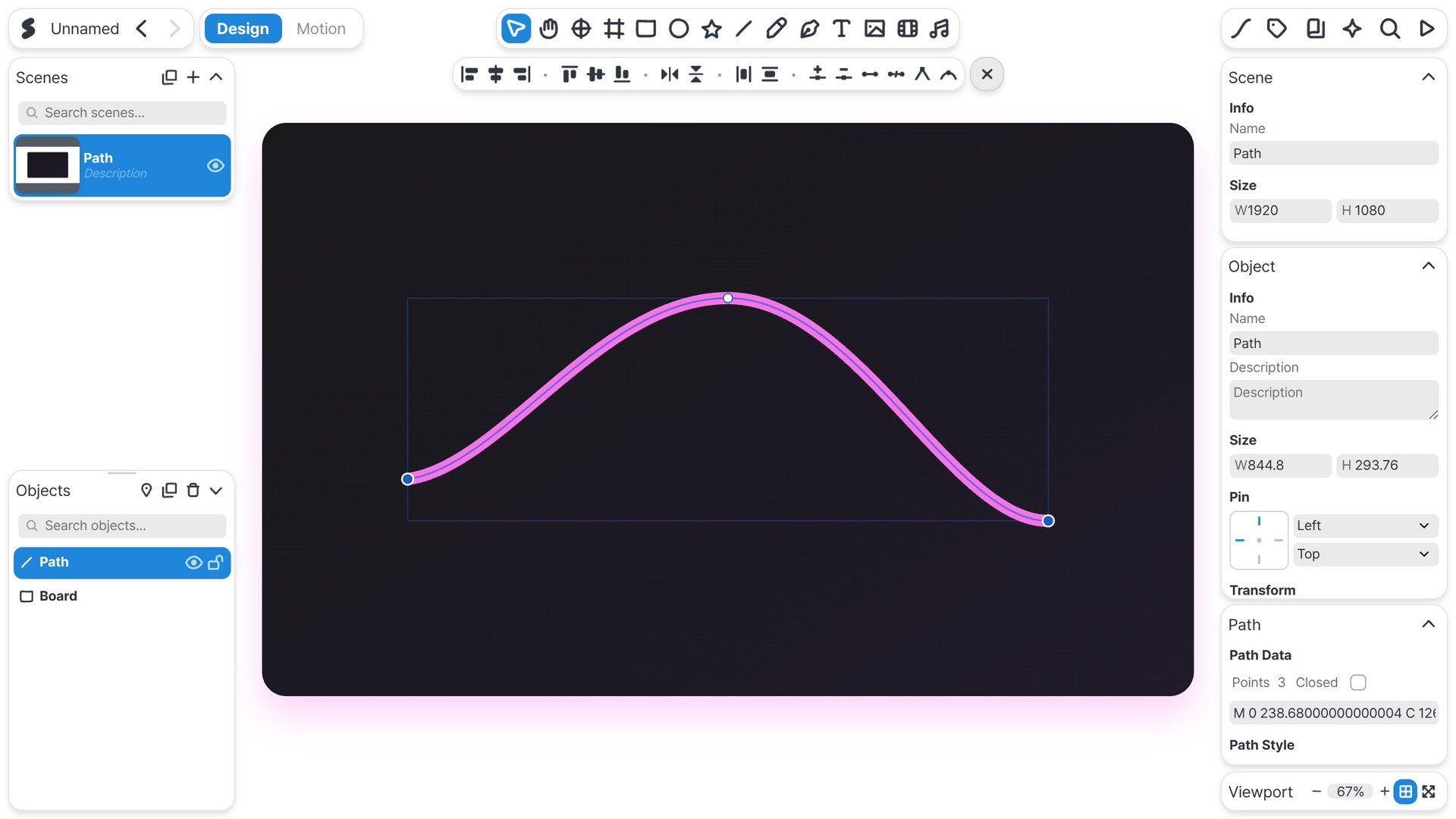
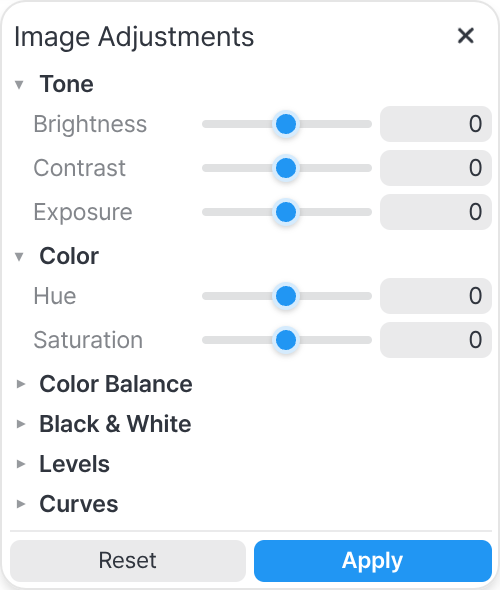
A vector pen — anchors and live handles, down to the point. A full image studio — brushes, selections, and grading: exposure, curves, levels.
The frame below is being drawn by the SSHOW engine, live.
Aurora, ink, fire, lens flare. Pick one and the same SSHOW engine that powers the editor repaints it live. Shaders and pipeline are tuned by hand to hold 60fps even when scenes get heavy.
Tap a name — the real SSHOW engine paints it right here.
- WebGL A renderer with hand-written shaders
- WebCodecs Browser-native video encoding
- 60fps The target, heavy scenes included
- 4K A vector canvas, sharp at any size
What we built was never going to be all of it.
A plugin is one panel in one file, docked into the editor. Nine ship with SSHOW: entrances and stagger for motion, a cloner and a text splitter, rigid-body physics, keyframes driven by sound, and three that work on image and video. We wrote those nine, and the API that made them is the same one you get: build a panel, submit it for review, and it ships to every editor through the catalog. Whatever a plugin makes stays ordinary objects and keyframes — one undo puts it back.
Say it in a line, and it becomes a document.
Describe a scene in the AI panel and it gets built on the canvas. Connect your own agent over MCP and it works inside the project you have open — reading scenes, editing objects, checking its work by sight — and official Agent Skills let any agent build whole .sshow projects. Because the document is plain, open data, a machine can read it as easily as you can. What comes back is still yours to edit.
Bring in what you have, send out what you need.
Open PPT, PDF, SVG and Lottie files and keep working; Figma round-trips through a plugin. Export images, video and HTML when you are done.
In
- PPTX
- SVG
- Lottie
- Figma
Out
- PNG · JPG
- MP4
- PPTX
- HTML
- SVG
- Lottie
- Figma
One .sshow file is enough
Design, motion, assets and font metadata in one file. No internet needed — and it looks the same wherever it lands.
Every narrative is great.
One talk, one class, one page of a portfolio — each is somebody's great narrative. We're building a tool that stays behind the story, so the story stays out front.
Now it's your turn to tell yours.
SSHOW is in beta. It's free while we build.